How to Play Monster Pub
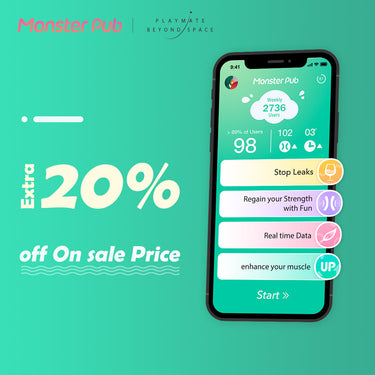
How to use the Monster Pub App?
1. Open App, follow the steps to register an account.
2. Profile Page Decoration. After entering the app, click on the upper left corner to enter the profile page. You can set up all the personalized content such as avatars, photo albums, voice signatures, personalized signatures, birthdays and nicknames.
3. Connect to Bluetooth. Ensure your phones Bluetooth is switch on. Long press the power switch to turn on the Monster Pub toy, get close to the phone, open the Monster Pub App, and the toy will automatically connect in seconds.
4. Vibe Home Page. The homepage has a lot of wave creations created by Monster Pub users. You can choose and enjoy the experiences.
5. Play. Click “+”at the bottom of the home page, choose “Gesture” to create the vibrations by yourself. Click on the upper left corner to switch to 8 vibration modes, easy and convenient.

6. Remote Control. Click “+”at the bottom of the home page, choose “Remote” and send invitation links to other parties via social media.
When the other party clicks the remote control link, they can start remote control by swiping their finger on the screen of their mobile phone.
7. Motion Control. Click “+”at the bottom of the home page, choose “Action-Reaction”. When you shake, wave, walk, run, jump, etc., the vibrations of the toy will change.

8. Kegel Exercises. Click the “Health” on the home page to start the Kegel exercises classes. Insert the Monster Pub into your body, follow the audio instructions of the App to do Kegel Exercises. The built-in sensor of the Monster Pub will interact with the App, feedback will be detected in real time, which can intuitively grasp the rhythm and effectiveness of the exercise.
